
CardioCare+: Your Path to Smarter Care
Experience CardioCare+ the way it was meant to be! Instant, interactive, and effortless. Download the ONEai Health app today!
If you just submitted your Pre-Qualification form, download the app below. Once your doctor has prescribed CardioCare+, you will receive your first message via SMS. Upon receipt of this first message, you can login to the mobile app using the steps below.
Unlock the full experience—upgrade today!
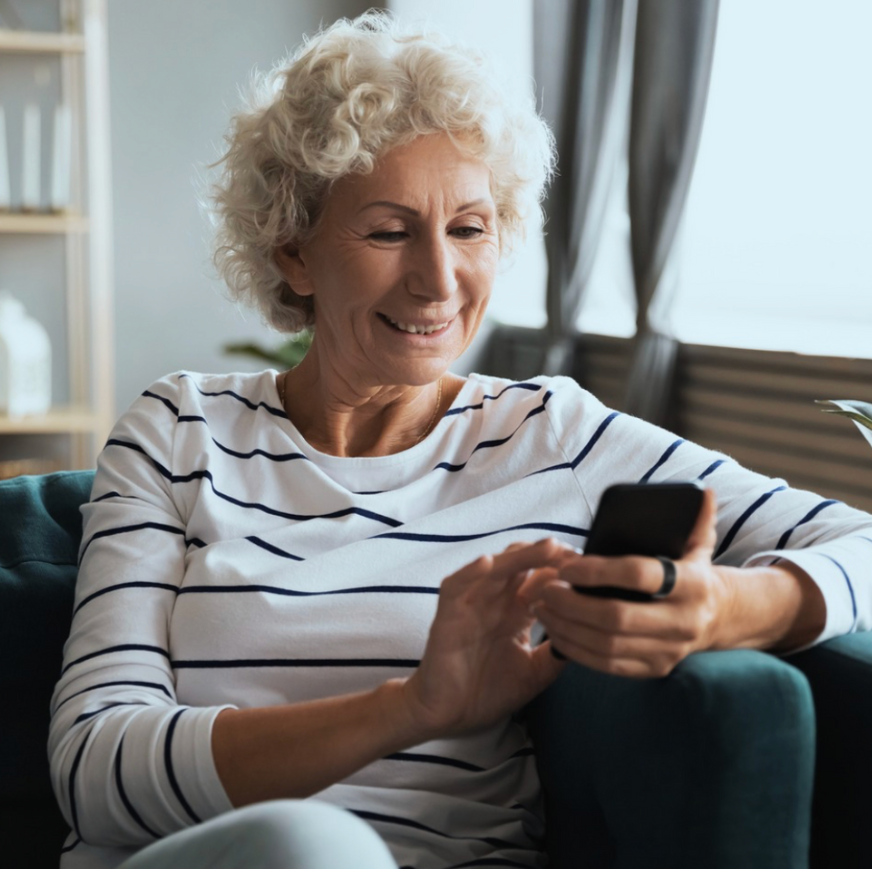
24/7 Chat Support
Learn more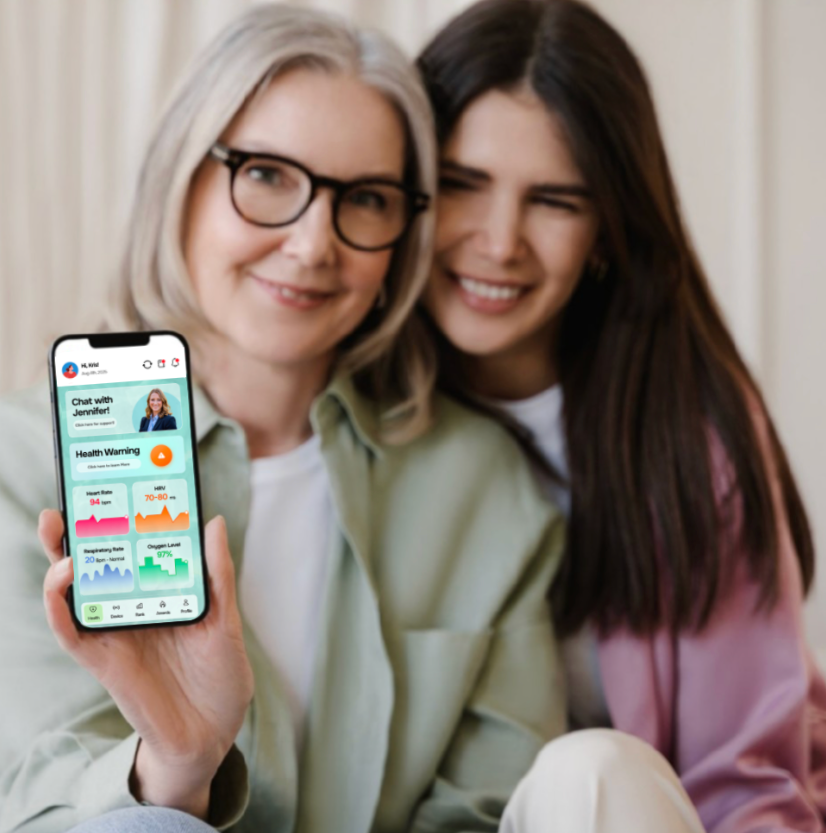
Daily Diary Check-Ins to See How You Are Doing
Learn more
Ability to Add Health Data With or Without a Bluetooth Device
Learn more
Daily Monitoring by a Clinical Team
Learn moreStep-By-Step Tutorial
- Download the ONEai Health Mobile App using the link above.
- Choose "Don't have a password" and Tap on Login Here
- You're already participating in CardioCare+ so Skip The Password and Tap Confirm at the bottom.
- Choose the Device option
- Choose Pair Device
- Choose the bluetooth device that appears then Pair Device
- Ensure your visible information is accurate and choose Date of Birth
- Enter your Date of Birth and Confirm your Identity
- Date of Birth not valid? Contact cardiocare@eastlakecv.com with your correct Date of Birth to be updated. You will receive a response back with confirmation.
- Set your unique password by tapping Profile-> Change Password -> Enter & Confirm your New Password -> Enter your Date of Birth to Change the Password.
- To connect daily vitals, proceed with steps 10a - 10c based on what you are connecting:
- Connect Google Connect: Tap on Device and Continue with Google Connect -> allow all -> and continue.
- Connect Apple Health Kit: Tap on Device and Continue with Apple Health -> allow all -> and continue.
- Have a ONEai Health Smart Ring? Tap on Device -> Tap Pair Now -> Pair Device -> Choose the Bluetooth Ring that appears on your screen -> Pair Device.
Message notifications directly to your app (no more SMS)
24/7 Diary available
View historical entries anytime
CardioCare+ messaging available 24/7
Track Your Health Data with the ONEai Health App! Connect your at home device to track important health data such as Heart Rate, SpO2 (Blood Oxygen), Sleep and more!
Apple (IOS)
- Apple Health Kit via your at home device, such as:
- Apple Watch
- Bluetooth Pulse Ox
- Bluetooth weight scale
- Manual readings via diary entry, such as:
- Blood Pressure
- Weight
- Glucose
Android
- You can connect the ring and any device connected to the Health Connect app
- Manual readings via diary entry, such as:
- Blood Pressure
- Weight
- Glucose
Get in Touch With Us
Whether you have questions, need support, or want to learn more—our team is just a message away.
Mobile Number: 844 253 2717 Ext 2